
What typing on a phone actually costs your app
People type about 36 words a minute on a phone. Here is what the research measures, what it does not, and why the fix is removing the form.
About this article
People type about 36 words a minute on a phone at a 2.3 percent uncorrected error rate, roughly 25 to 30 percent slower than on a physical keyboard. Shortening the form helps a little. An in-app agent that takes the intent and calls the operation removes the form from the path entirely.
People type about 36 words a minute on a phone. That figure comes from the largest study of the question anyone has run, and it is the number worth arguing from, because most claims about mobile typing are considerably more dramatic and considerably less sourced.
The interesting part is what follows from it. Typing is slow enough to matter and fast enough that shaving two fields off a form will not save a checkout. If input speed is the constraint, the useful move is to stop asking people to supply structured data one field at a time, and let them say what they want instead.
What the typing research actually measured#
In 2019 a team at Aalto University published a study of 37,370 volunteers typing on their own phones. The average was 36.2 words a minute at a 2.3 percent uncorrected error rate. Over 74 percent of participants used both thumbs, and that group averaged 38 words a minute. People typing with one or two fingers managed about 70 percent of their own desktop-keyboard speed.
Aalto’s own summary of the result is the honest headline: smartphone typing is about 25 percent slower than a physical keyboard, not an order of magnitude slower. The study also found that autocorrect measurably helped while word prediction did not, because the time spent reading suggestions cost more than typing the letters would have.
One more finding from that dataset matters for anyone building a consumer app. Typing speed falls with age. Participants aged 10 to 19 typed roughly 10 words a minute faster than people in their forties, and the gap continues from there. A form that feels merely tedious to the team building it is a different object in the hands of the users who find navigation and precise tapping hardest.
The speech comparison, and the caveat attached to it#
The number usually quoted against typing comes from Ruan et al., 2016, which measured speech input at 2.93 times the speed of an iPhone keyboard for English and 2.87 times for Mandarin. Speech ran at 153 words a minute against the keyboard’s 52, and its corrected error rate was roughly half the keyboard’s.
That result is real and it is worth citing, so long as it is cited for what it tested. Participants transcribed phrases handed to them. Nobody in that study had to decide what to say, remember an amount, or look up a reference number while talking. It is an upper bound on the input channel rather than a forecast of how a checkout will go.
Put the two studies together and the defensible claim is narrow. Speaking is faster than typing on a phone, by a wide margin under laboratory conditions and by a smaller one in the wild. Neither study says anything about whether a user will complete your flow.
Shortening the form is a small lever#
Baymard’s benchmark of checkout flows found that the average 2024 checkout ran to 5.1 steps and 11.3 form fields, where its research says 8 fields cover the task. Trimming three fields is real work with a real payoff, and it leaves you with a form.
The reasons people abandon are not mostly about typing at all. In Baymard’s abandonment research, unexpected extra costs account for 40 percent, slow delivery 20 percent, and card-security concerns 19 percent. A checkout that is too long or complicated sits at 17 percent, alongside forced account creation at 18 percent. The documented 70.22 percent average abandonment rate is worth quoting precisely, because it is an average across 50 studies published between 2006 and 2025 rather than a measurement of this year’s shoppers. What that research supports, and what it does not, is a post of its own.
So input friction is one contributor among several, and it is the one that compounds with every other. A user who is already unhappy about the delivery date is the user least willing to retype a card number that the field flipped around on them.
An agent removes the form rather than refilling it#
Dictation does not help much here, because it puts words into the same fields and leaves the same validation in place. The user still has to know which screen the field is on.
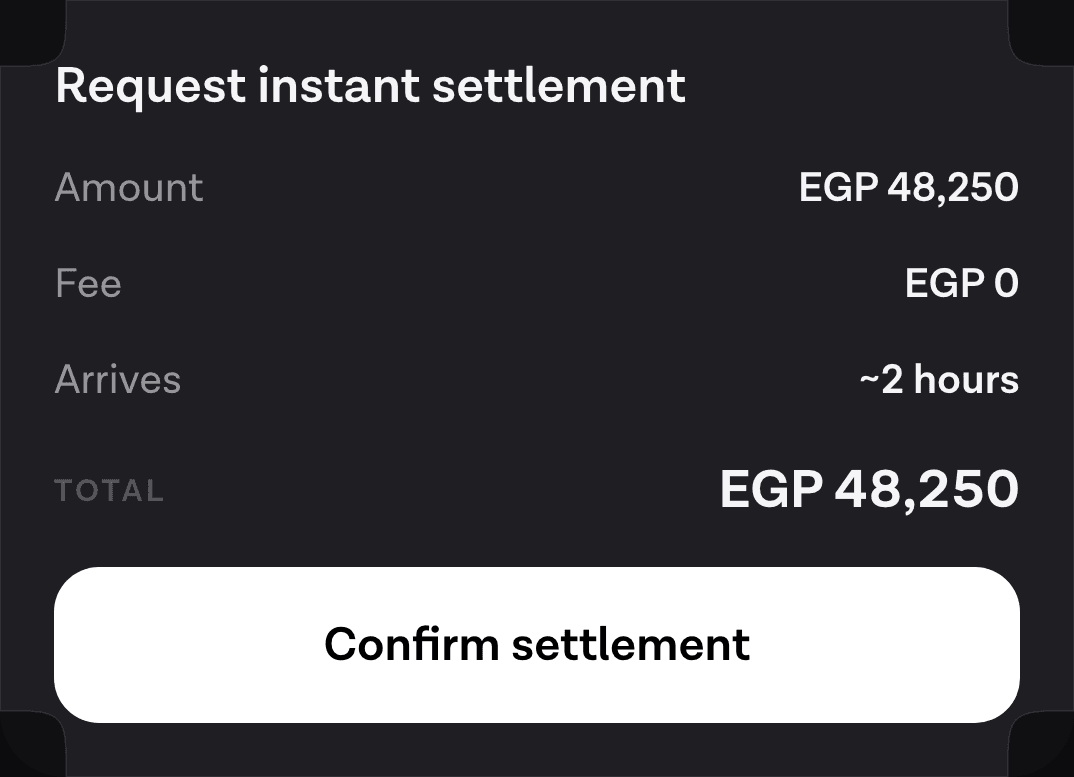
An in-app agent works differently. The user says what they want, the agent calls the operation your backend already exposes, and the result comes back as native UI rather than as a transcript. “Send a payment link for 1,000 to the number ending 4471” is one utterance against one tool call, and the only thing the user has to confirm is the summary card the agent draws before anything executes.
The fields have not disappeared. Your API still wants an amount, a currency and a recipient. The user is no longer the one assembling them, which is the whole of the difference.
When the input is harder than English#
Everything above assumes a keyboard the user is fluent on. For a large share of the world’s phone users that assumption does not hold, and the cost of typing rises in ways an English-language design review will never surface.
Arabic is the example we have shipped against, so it is the one we can describe precisely. The script is cursive, so letters change shape depending on position in a word. Short vowels are marks placed on top of letters, which means a second tap per mark on keyboards that support them at all. Right-to-left text inverts cursor behaviour inside fields that mix Arabic with Latin digits, which is exactly what an address or a card number is.
Then there is the workaround. Many Arabic speakers type Arabizi, which writes Arabic in Latin letters and digits, with 3 standing in for ع and 7 for ح. Wikipedia’s account attributes this to keyboard-layout unfamiliarity rather than style: people are more fluent on QWERTY, so they use it. A field that expects Arabic script will receive Latin characters, and a validator written against one of those will quietly reject the other.
The general form of this problem is not regional. Hindi speakers transliterate through Latin. Bilingual users switch languages inside a single sentence and toggle keyboards to do it. Every one of these is a property of typing, and none of them survives contact with a spoken sentence.
What to do with this#
Measure the fields you ask for against the eight Baymard says the task needs, and delete what you cannot defend. That is the cheap half.
The other half is deciding which tasks should never reach a form. Reordering, checking a balance, changing a delivery slot, chasing a refund: these are single-sentence intents wearing multi-screen clothes. They are the tasks where an agent earns its place, and they are a small subset of what your app does. There are plenty of cases where a form is still the right answer and voice is the wrong one, and pretending otherwise makes for a worse product.
There is also a set of users for whom the keyboard was never a mild inconvenience. For them a spoken path is not a convenience feature at all, and it is the reason worth building it for even where the conversion argument is thin.
If you want to see the mechanics, what building the whole thing involves covers the integration end to end, and the first-turn walkthrough is about twenty minutes of work on iOS.
Sources#
- Palin, K., Feit, A., Kim, S., Kristensson, P. O., & Oulasvirta, A. How do People Type on Mobile Devices? Observations from a Study with 37,000 Volunteers. MobileHCI ‘19, ACM. Accessed 12 September 2026.
- Aalto University. Smartphone typing speeds catching up with keyboards, 2 October 2019. Accessed 12 September 2026.
- Ruan, S., Wobbrock, J. O., Liou, K., Ng, A., & Landay, J. Comparing Speech and Keyboard Text Entry for Short Messages in Two Languages on Touchscreen Phones, arXiv:1608.07323, 2016. Accessed 12 September 2026.
- Baymard Institute. Checkout Flows Average 5.1 Steps & 11.3 Form Fields. Accessed 12 September 2026.
- Baymard Institute. 49 Cart Abandonment Rate Statistics. Accessed 12 September 2026.
- Wikipedia. Arabizi. Accessed 12 September 2026.
Next
The quickstart wires the SDK into an app and runs one real turn against your own backend.
Read the quickstartThe rest of Business
Open the clusterBuild versus buy, what an agent changes about activation and support load, and the measurements that tell you before the quarter ends.
- How to add an AI agent to a mobile app: the complete guideWhat an in-app agent is made of, what each of its five pieces costs to own, and the honest path from a first spoken turn to something you can hand to users.12 min
- What a checkout screen costs, and what the research measuresThe checkout abandonment numbers everyone quotes, what they were actually measured on, and which reasons a redesign can move.8 min
- Using an agent to get a user to first valueOnboarding leaks where people have to type. An agent can collapse setup into one request, and there are four kinds of friction it genuinely cannot touch.8 min
- The metrics that tell you an in-app agent worksSeven numbers worth tracking, what each one hides, and why containment is the one that looks best while telling you least about the feature.9 min
- Conversational commerce numbers that survive checkingWe opened every source behind the statistics people quote about voice and AI shopping. Here is what held up, what did not, and what nobody has measured.10 min
- Build vs buy: what an in-app agent really costs to ownWiring a speech API to a model takes an afternoon. The nine workstreams that turn it into something you can hand to a user do not have an end date.10 min
- The business case for an in-app agent, and its missing numberHow to build an ROI model for an in-app agent when the one input that decides the answer has no public benchmark, and which of the levers you can honestly measure.8 min
- Deflection is the wrong number: measure whether the task finishedA deflection rate scores a user who gave up the same as one who was helped. What Gartner's own self-service figures show, and what to count instead.9 min
- Agents in a travel app: rebooking is the feature worth buildingBooking is already a form. The task an agent is uniquely good at is rebooking under disruption, and it needs four read tools before it can answer anything.8 min
- Agents in a logistics app: the driver's hands are the constraintHands-free is a legal requirement in a cab, not a convenience. What a logistics agent should do, how proof of delivery works spoken, and the offline case.8 min
- An agent in a healthcare app: booking, refills, and the stop lineThe three patient-facing tasks an in-app agent does well, the escalation line that belongs in code, and the compliance question to settle before any of it.9 min
- Agent runtimes for mobile apps: an honest comparison (2026)OpenAI Realtime, LiveKit, ElevenLabs, Vapi and Retell compared on what a mobile team actually chooses between: layer coverage, client SDKs and the write path.8 min
- Where in-app agents are being adopted fastestAdoption is running ahead of the English-speaking world in several large markets. What that means for a team shipping an agent outside its home country.10 min
- What the first week of real assistant traffic teaches youReal users ask for things no test plan contains. Three questions only live traffic answers, and the metric that looks good while telling you nothing.10 min
Elsewhere on the map
- Designing an agent conversation people can actually useThe seven decisions that make or break a conversational feature: discoverability, endpointing, barge-in, errors, confirmation, latency and the visual answer.Voice11 min
- How to evaluate dialect coverage in a speech stackA vendor language list is a claim about a corpus, not about your users. The method for measuring what a speech model does on the varieties they actually speak.Language9 min
- Agents in a shopping app: reorder, track, returnThe three retail tasks worth giving an agent, why reorder is first, and how to check whether your catalogue supports the case at all.Agent basics7 min