
In-app search when the query is a whole sentence
How search inside an app breaks when people speak in sentences, and how to build the search tool an agent can actually call.
About this article
This is about the search field inside an app, not about ranking a website for spoken queries. A sentence-shaped query carries a text match plus constraints plus a budget, and a keyword index has one slot for all of them. The fix is a search tool with typed filters that the model fills in, calling your existing ranking.
First, a disambiguation, because this phrase collides badly. Voice search optimisation usually means getting a website to rank for spoken queries on a search engine. That is a different discipline and this post is not about it.
This is about the search field inside an application, where you own the index, the ranking and the results, and where users have started typing and saying things that no keyword index was built to handle. Results come back as native components rather than as a page of links, which changes what a result can do as well as how it looks.
What changes when a query becomes a sentence#
Typed search queries are terse because typing is expensive. “oat milk”. “order status”. Two or three tokens, chosen to match what the user expects the system to contain.
Spoken queries are not, and neither are typed queries once a user believes there is a model behind the box. They arrive as sentences, and a sentence carries several different things at once: a text match, a set of constraints, a preference, and sometimes a budget.
A keyword index handles the first of those and silently ignores the rest. The user asked for something under five pounds and got results at twelve, which reads to them as the app not listening, because that is precisely what happened.
Four different questions wearing the same clothes#
Sentence-shaped queries are not all search queries. Sorting them is most of the design work.
Recall queries are the interesting ones. “What did I buy last time”, “the thing I ordered in March”, “my usual”. None of these are searches against your catalogue, and every one of them arrives through the search field because that is where users type things. An agent routes them to the order-history tool instead, which a search box structurally cannot do.
Action queries are the other case worth naming. “Add the usual one” is a write dressed as a query, and it belongs behind a confirm card like any other write.
Building the search tool#
The model is not your search engine. It reads a sentence, fills in arguments, and calls the endpoint you already run. Getting that tool’s schema right is the difference between a feature and a demo.
Anthropic’s engineering guidance on writing tools for agents, published in September 2025, lines up with all four rows. It recommends building “a few thoughtful tools targeting specific high-impact workflows” rather than wrapping every endpoint, consolidating related operations into single calls, applying pagination and sensible default limits, and writing error messages that carry a suggestion rather than a code.
The last of those matters most in search, because search is the request users phrase most loosely. A tool that returns an empty array teaches the agent nothing. A tool that returns “no results: max_price 5.00 excluded all 14 matches, lowest is 6.20” lets the agent say something useful in the same turn.
On the filters themselves, type them. If the model can invent a filter name your endpoint ignores, it will, and the failure is silent: results come back, they are simply the wrong results, and nobody in the chain knows that a constraint was dropped.
Where embeddings fit, and where they do not#
Semantic retrieval has an obvious role here. OpenAI’s documentation defines an embedding as “a vector (list) of floating point numbers” where the distance between two vectors measures relatedness, and lists search as the first use case.
That is genuinely useful for the matching half: “something for a dinner party” against a catalogue that never uses those words. It does nothing for the constraint half. A vector index has no opinion about whether an item is under five pounds or in stock in the user’s postcode, and pretending otherwise is how semantic search projects disappoint.
The arrangement that works is boring. Structured filters from the tool call narrow the set, and semantic similarity ranks within it. Which is the same architecture good search has always had, with the query parser replaced by a model that is better at sentences than a grammar is.
Drawing the results#
Search results are a list, and lists are exactly what a spoken answer is bad at. Whitenton’s NN/g work on voice interaction makes the underlying point: voice-only interfaces force recall where a screen offers recognition, and the user ends up holding options in working memory while choosing.
So the answer splits. The spoken sentence says how many and what was assumed. The screen carries the rows, with working controls on them.
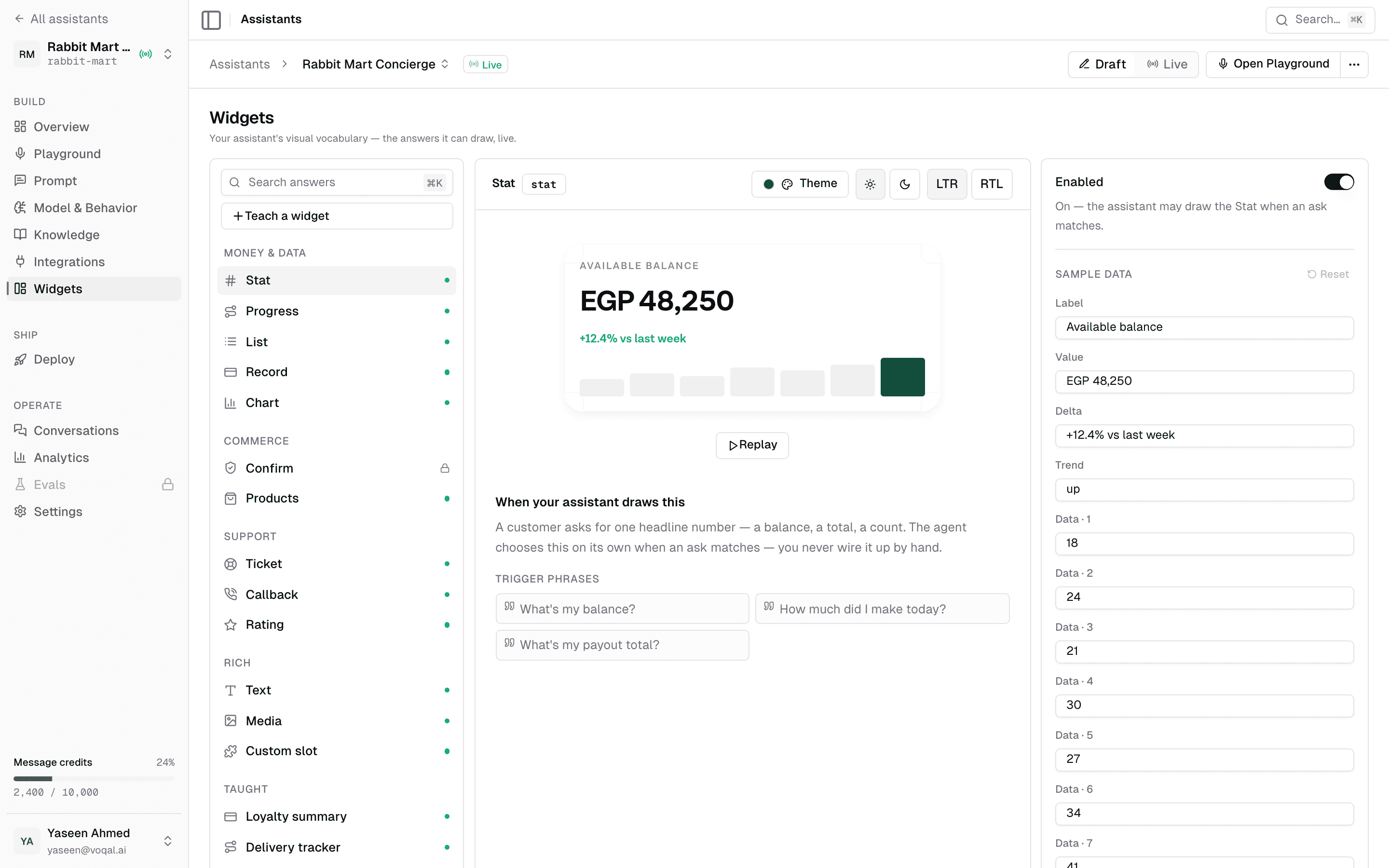
There is a related finding on how people read result pages. Moran and Goray’s analysis of 471 queries from usability and eyetracking studies between 2017 and 2019 describes a pinball pattern: when a results page mixes result types, users scan it in a highly nonlinear path, bouncing between elements rather than reading down. That is an argument for keeping an agent’s result rendering visually uniform. A screen that mixes four widget types is a screen nobody reads in order.
Two things that will bite you#
Ambiguity resolution is the first. “The cheap one” means nothing without a referent, and models are willing to guess. The safe behaviour is to ask a short clarifying question when two candidates are close, and the unsafe behaviour is to pick and sound confident. Which of those you get depends on whether your tool returns enough context for the model to know it is ambiguous, so return the competing candidates rather than the top one.
Stale results are the second. A search answer drawn thirty seconds ago is a screen full of prices that may have moved and stock that may be gone. If the user can act on a row, the action has to re-check at execution rather than trusting what was rendered. This is the same discipline a normal product page needs, and it is easier to forget when the list arrived through a conversation.
Testing it#
Collect real queries before you tune anything. The first week of traffic will contain phrasings nobody on the team predicted, and it will contain a surprising share of recall queries that your catalogue cannot answer.
Then build a set of maybe fifty of those with the tool call each one should produce, and run it on every change. Not the answer text, which varies, but the call: the tool chosen, the filters set. That is the part you can assert on, and it is where regressions actually appear.
Baymard’s search research is a useful reference point for how much of this is a known problem. Its benchmark covers 344 leading US and European e-commerce sites across 25 rounds of usability testing, which is a body of evidence that on-site search fails routinely on queries far simpler than the ones a model now invites. The detailed findings sit behind their paid research, so treat the methodology as the citable part.
Related reading: the conversation design around all of this covers discoverability and error recovery, what a shopping agent does with a request covers the reorder case that most recall queries turn into, and deciding whether a task should be spoken at all covers why browsing stays on the screen. The API reference covers the tool and widget contracts.
Sources#
- Anthropic. Writing effective tools for agents, 11 September 2025. Accessed 12 September 2026.
- OpenAI. Embeddings guide. Accessed 12 September 2026.
- Whitenton, K. Voice Interaction UX, Nielsen Norman Group, 31 January 2016. Accessed 12 September 2026.
- Moran, K., & Goray, C. Complex Search-Results Pages Change Search Behavior: The Pinball Pattern, Nielsen Norman Group, 17 November 2019. 471 queries, 2017 to 2019. Accessed 12 September 2026.
- Baymard Institute. E-Commerce Search UX research. Methodology cited; detailed findings are behind their paid research. Accessed 12 September 2026.
Next
The request and response shape of one turn, field by field.
Read the API referenceThe rest of Render spec
Open the clusterServer-driven native UI: the agent names the widgets, your app draws them, and shipping a new answer shape stops requiring an app release.
- Generative UI on native mobile: how an agent draws real product UIGenerative UI on the web streams React components. On iOS and Android it has to become a typed spec over a fixed native catalogue. Here is why, and how it works.15 min
- Shipping UI without a release: the case for server-driven UIWhy mobile teams move layout decisions to the server, what it costs in versioning and coupling, and what changes when an agent is the thing choosing the shape.8 min
- How a render spec turns one JSON payload into native UIThe whole contract is a spoken answer, a separator, and an array of widget objects. The interesting parts are the constraints, not the format.10 min
- The first 300 milliseconds of an agent turnYou cannot make the model faster from the client. Almost all of the felt wait is decided before the model has said anything, and that part is yours.10 min
- Server-driven UI was already the answer. LLMs made it urgent.Server-driven UI and generative UI are one idea arriving from two directions, and a decade of mobile practice already tells you which parts are hard.10 min
- A catalogue beats free-form generation, and the objections say whyEvery serious objection to generative UI is an objection to free-form generation. A fixed catalogue answers all four without giving up the idea.10 min
Elsewhere on the map
- Does your agent work eight times out of eight?Average accuracy is the wrong number for a product. Run the same task eight times and count how often it worked every single time.Safety11 min
- Prompt injection when the agent can spend moneyIn a consumer app the untrusted text is your own user's data and the tools move their money, which makes filtering useless and structure the only real defence.Safety10 min
- What an in-app AI agent actually is, and what it can touchThree different things get called an AI agent in a mobile app. Here is the one that lives inside your product and acts through your own backend.Agent basics11 min